
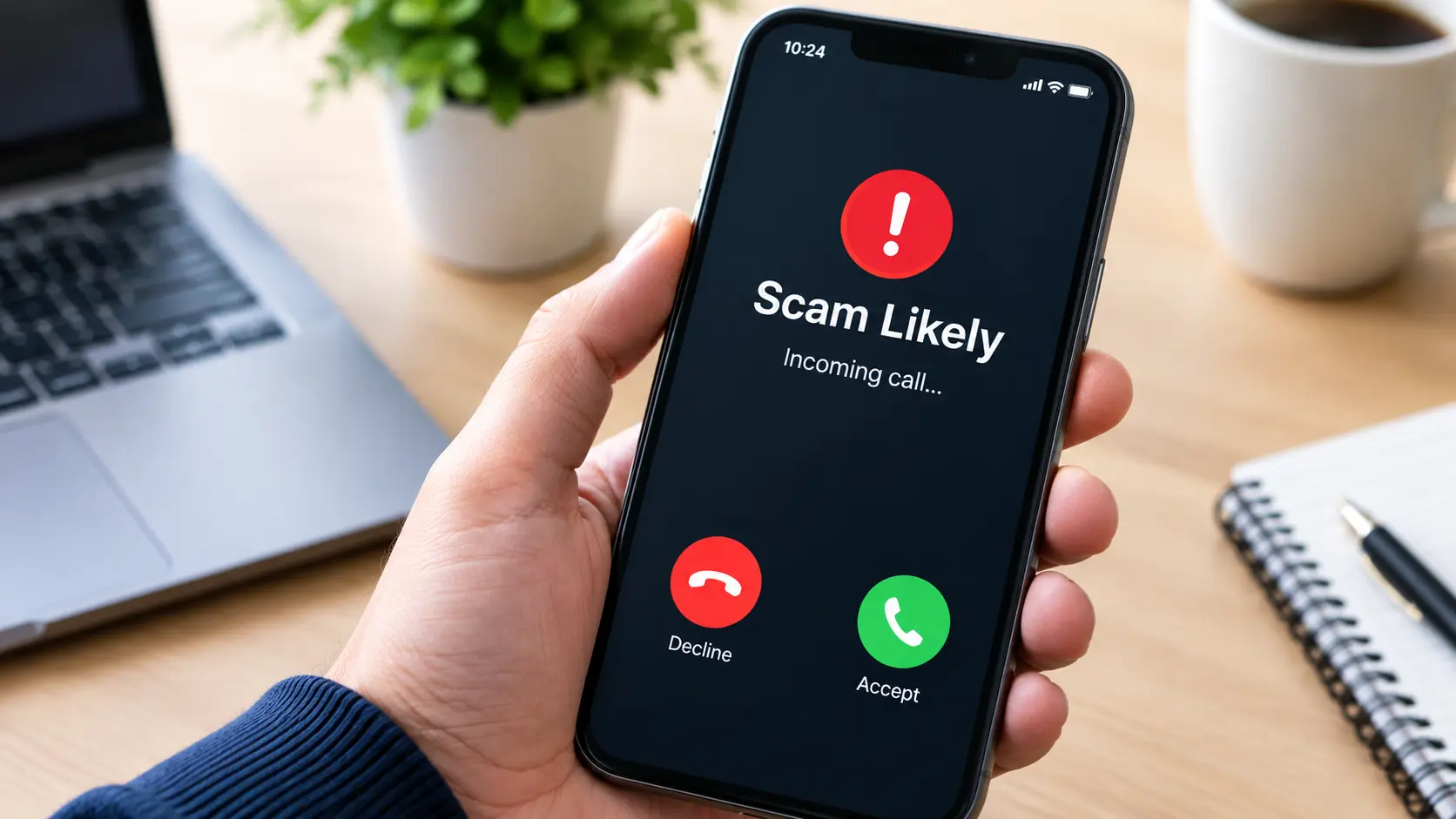
Have you ever received a phone call and noticed the words Scam Likely appearing instead of a familiar caller name? This warning can create confusion, especially when you are waiting for an important call or trying to identify an unknown number. Many smartphone users see this notification without understanding why it appears or what action they should take.
The term Scam Likely is a caller identification warning that indicates an incoming call may be associated with fraudulent activity, suspicious calling behavior, or unwanted phone communication. Mobile carriers use call detection systems to help identify potentially dangerous calls before users answer them.
Understanding the Scam Likely meaning can help you recognize suspicious callers, avoid telephone fraud, and protect your personal information. This guide explains how the feature works, why legitimate numbers sometimes receive warnings, and how to manage unwanted calls on different smartphones.
What Does Scam Likely Mean?
Scam Likely is a warning displayed by certain mobile networks when their systems identify an incoming phone call as potentially fraudulent. Instead of displaying only a telephone number, the caller ID system shows a warning that encourages the recipient to be cautious.
This label is particularly associated with T-Mobile’s Scam ID technology. The feature analyzes incoming calls and uses network-level information to identify suspicious calling activity.
For example, when someone calls your phone, you might see:
- Scam Likely
- An unfamiliar phone number
- A suspicious caller identification notification
- A potential fraud warning
The notification does not automatically prove that the caller is a criminal. It simply indicates that the network has identified characteristics associated with suspicious calls.
Therefore, users should treat this warning seriously without assuming every flagged caller is necessarily fraudulent.
Why Does My Phone Say Scam Likely?
There are several reasons why your phone might display a Scam Likely notification. Mobile carriers use different detection methods to recognize unusual calling patterns and identify potentially dangerous telephone activity.
Here are some common explanations.
1. Suspicious Calling Patterns
Scammers frequently make large numbers of calls within short periods. Their activity may differ from ordinary personal or business communication.
For example, a telephone number that repeatedly contacts unrelated people could attract attention from automated detection systems.
2. Previous Spam Reports
Phone users can report suspicious telephone numbers through their carriers or supported applications.
When multiple reports identify a number as potentially fraudulent, that information may contribute to its reputation and future identification.
3. Automated Robocalls
Robocalls use automated systems to contact large groups of people. Some are legitimate appointment reminders or service notifications, while others promote fraudulent offers.
Unusual automated calling behavior can contribute to a spam or scam classification.
4. Caller ID Spoofing
Caller ID spoofing happens when someone deliberately changes the telephone information displayed to the recipient.
A scammer might make a call appear to originate from a local number, a familiar organization, or even a legitimate business.
This technique makes identifying fraudulent phone calls more difficult.
5. Suspicious Telephone Activity
Carriers can examine different signals associated with incoming calls. These may include calling patterns, network information, user reports, and other indicators.
A combination of suspicious signals can influence the phone number’s reputation and classification.
How Does Scam Likely Caller ID Work?
Scam Likely caller identification relies on technology designed to recognize potentially fraudulent telephone activity.
Although individual carriers use different systems, the general process involves collecting and evaluating information about incoming calls.
The identification process generally involves:
- Incoming call: Someone places a telephone call to your number.
- Network evaluation: The carrier examines available calling information.
- Suspicious activity detection: Automated systems evaluate indicators associated with fraudulent or unwanted calls.
- Caller classification: The network determines whether the call should receive a warning.
- Caller ID notification: Your device displays an appropriate label when the carrier supports the feature.
This process helps reduce the chances of answering suspicious calls.
However, detection technology cannot identify every fraudulent call. Criminals continuously change their calling methods, numbers, and techniques to avoid detection.
Is Scam Likely Always a Scam?
No. A Scam Likely notification does not guarantee that the incoming call is fraudulent.
Sometimes, legitimate callers receive incorrect classifications because automated systems misunderstand their calling behavior.
For example, a small business might contact many customers within a short period. A recently assigned telephone number could also have an existing negative reputation.
Other possible situations include:
- A doctor’s office calling patients.
- A delivery company contacting customers.
- A business using automated appointment reminders.
- A customer support department making frequent outbound calls.
- A legitimate number previously associated with suspicious activity.
If you receive an important call with this warning, verify the caller through an independently obtained official telephone number.
Never share passwords, verification codes, banking information, or other confidential details simply because someone claims to represent a trusted organization.
Scam Likely vs. Spam Risk: What Is the Difference?
Scam Likely and Spam Risk are caller identification labels that help users recognize potentially unwanted telephone calls.
However, their meaning and classification can vary depending on the carrier, device, and calling protection service.
| Feature | Scam Likely | Spam Risk |
|---|---|---|
| Main purpose | Warn about suspected fraudulent calls | Identify potentially unwanted calls |
| Caller identification | Network or service-based | Carrier or application-based |
| Fraud warning | Often indicates suspected fraud | May include telemarketing or spam |
| Automatic blocking | Depends on settings | Depends on the service |
| Accuracy | Not guaranteed | Not guaranteed |
The important distinction is that a warning label represents a risk assessment rather than confirmed proof of fraudulent activity.
How to Block Scam Likely Phone Calls
If you regularly receive unwanted telephone calls, you can use your carrier’s blocking service or your smartphone’s built-in protection features.
The available options depend on your mobile network and device.
Blocking Scam Likely Calls on T-Mobile
T-Mobile offers Scam ID and Scam Block as part of its telephone protection services.
Scam ID identifies potentially fraudulent calls and displays the Scam Likely warning.
Scam Block provides an additional layer of protection by preventing identified Scam Likely calls from reaching your phone.
T-Mobile customers can generally activate Scam Block through these methods:
- Open the T-Life application.
- Find the Scam Shield or call protection settings.
- Locate the Scam Block option.
- Turn on the blocking feature.
Another activation method is dialing #662# from an eligible T-Mobile device.
Service availability and menu names may change, so check your carrier’s current instructions before changing your settings.
How to Stop Scam Likely Calls on iPhone
iPhone users can manage unwanted callers through Apple’s built-in telephone settings.
Follow these steps:
- Open Settings.
- Select Apps.
- Choose Phone.
- Find Call Blocking & Identification.
- Enable supported caller identification applications.
Depending on your iOS version and region, additional options may be available for screening or silencing unknown and suspected spam callers.
You can also block individual numbers through the Phone application.
Remember that blocking an individual number does not prevent scammers from calling through different numbers.
How to Block Scam Calls on Android
Android devices offer several caller identification and spam protection features.
For phones using Google’s Phone application:
- Open the Phone app.
- Tap the three-dot menu.
- Select Settings.
- Choose Caller ID and spam.
- Enable See caller ID and spam.
- Turn on Filter spam calls if available.
These settings help identify suspicious callers and reduce unwanted interruptions.
Some manufacturers provide their own protection systems, so the exact instructions may differ between Samsung, Google Pixel, and other Android devices.
Why Is My Personal Number Showing Scam Likely?
Discovering that your own telephone number appears as Scam Likely can be frustrating, particularly if you use it for business communication.
There are several possible explanations.
Previous number ownership: Your number may have belonged to someone who previously made suspicious calls.
High outbound calling volume: Repeated calls to unfamiliar recipients can sometimes trigger automated spam detection.
Customer complaints: People may have mistakenly reported your number as unwanted.
Caller ID spoofing: Criminals might be using your telephone number without your permission.
Incorrect classification: Automated detection systems sometimes make mistakes.
If your number receives an incorrect warning, contact your mobile carrier and request a review of its caller identification status.
Business owners can also check supported caller reputation and registration services. T-Mobile provides business caller transparency resources to help legitimate organizations improve how their outbound calls are recognized.
How to Remove the Scam Likely Label From a Phone Number
If you believe your legitimate telephone number has been incorrectly classified, start by contacting the carrier responsible for the warning.
Consider these steps:
- Contact your mobile service provider.
- Explain that legitimate calls are receiving a scam warning.
- Request information about its caller reputation review process.
- Ask whether your business caller ID information needs verification.
- Register your legitimate business number with supported caller identification services.
- Avoid unusual or excessive outbound calling patterns.
If your number is being spoofed, explain this problem to your carrier as well.
You may also submit a complaint to the appropriate telecommunications regulator.
Removing an incorrect warning is not always immediate. Different carriers and caller identification services maintain separate classification systems, so correcting one database may not automatically update every other service.
How to Identify Scam Calls Without a Scam Likely Warning
Not every fraudulent telephone call receives an automatic warning. Some scammers use new telephone numbers, spoofed caller information, and convincing communication techniques.
For this reason, understanding suspicious calling behavior is just as important as using caller ID protection.
Watch for these warning signs:
- Someone demands immediate payment.
- The caller threatens legal action without proper verification.
- A supposed bank employee requests your password.
- Someone asks you to share a one-time verification code.
- The caller offers an unrealistic financial reward.
- A stranger requests remote access to your device.
- The caller pressures you to make an unusual payment.
If something feels suspicious, end the conversation.
Contact the organization through its official website or published telephone number instead of using contact information supplied by the caller.
What Happens If You Answer a Scam Likely Call?
Answering a suspicious call does not automatically mean your phone has been hacked or your personal information has been stolen.
However, interacting with an unknown caller can expose you to different forms of telephone fraud.
A scammer might attempt to:
- Collect personal information.
- Obtain banking credentials.
- Convince you to transfer money.
- Request verification codes.
- Direct you toward fraudulent websites.
- Manipulate you into purchasing fake services.
If you accidentally answer such a call, remain calm. Do not provide confidential information or follow suspicious instructions.
Hang up if the conversation becomes threatening or unusual. If you have shared sensitive information, contact the relevant bank, service provider, or organization immediately.
How to Report Scam Phone Numbers
Reporting suspicious telephone calls helps carriers and regulators understand fraudulent calling activity.
You can report unwanted calls through several channels.
Contact your mobile carrier: Most providers offer methods to report unwanted or fraudulent calls.
Use your phone’s reporting feature: Some Android and iPhone services allow users to identify and report suspicious callers.
Report to the FTC: Consumers in the United States can submit unwanted-call complaints through the Federal Trade Commission.
Contact the FCC: The Federal Communications Commission accepts complaints involving unwanted calls, caller ID spoofing, and telephone number misuse.
When submitting a report, provide useful information such as:
- The displayed telephone number.
- The date and time of the call.
- The caller’s claimed organization.
- A brief description of the conversation.
- Any suspicious payment or information requests.
Remember that caller ID information can be spoofed, so the number displayed on your screen may not identify the actual caller.
Tips to Protect Your Phone From Unwanted Scam Calls
Avoiding every unwanted telephone call is difficult, but practical security habits can reduce your exposure to telephone fraud.
Keep Spam Protection Enabled
Use your carrier’s caller identification and spam protection services when available.
Avoid Sharing Verification Codes
Never disclose one-time passwords or account verification codes to unexpected callers.
Block Repeated Unwanted Numbers
Use your phone’s blocking feature to prevent known unwanted numbers from repeatedly contacting you.
Verify Important Calls
If someone claims to represent your bank, government department, or service provider, independently verify their identity.
Avoid Suspicious Callback Requests
Do not automatically return calls from unfamiliar numbers, especially when the caller leaves an urgent or threatening message.
Update Your Smartphone
Install operating system and security updates to maintain access to the latest supported protection features.
Frequently Asked Questions About Scam Likely
1. Is Scam Likely a real phone number?
No. Scam Likely is generally a caller identification label rather than an actual telephone number. Your device may display it alongside the incoming caller’s number.
2. Does Scam Likely mean someone is scamming me?
Not necessarily. It means the carrier or caller identification system suspects that the incoming call may be fraudulent. Some legitimate calls can also receive incorrect warnings.
3. Can I trust a call without a Scam Likely warning?
No caller identification system is completely accurate. Scammers can use new numbers and spoofed caller information to avoid detection. Always verify suspicious requests independently.
4. Why do legitimate businesses get marked as Scam Likely?
Businesses may receive incorrect classifications because of frequent outbound calls, customer complaints, number reputation problems, or inaccurate automated detection.
5. Does Scam Likely automatically block calls?
Not necessarily. Scam ID generally displays a warning, while a separate blocking feature may prevent flagged calls from reaching your device. The available options depend on your carrier.
6. Is Scam Likely available on every phone?
No. The specific Scam Likely label is associated with T-Mobile, although other carriers and smartphones offer similar spam identification services.
7. How accurate is Scam Likely caller ID?
Its accuracy depends on the carrier’s detection technology and available information. It can identify many suspicious calls, but false positives and missed scam calls remain possible.
8. Can I remove the Scam Likely label?
If your own number is incorrectly flagged, contact your carrier and request a caller reputation review. If you simply want to stop seeing warnings on incoming calls, check your device’s caller identification settings.
9. Should I call back a Scam Likely number?
It is generally safer not to return suspicious calls. If you believe the caller represents a legitimate organization, locate its official contact information independently.
10. How can I report unwanted calls?
You can report unwanted calls to your carrier, use your phone’s spam reporting feature, or contact the relevant telecommunications regulator. In the United States, the FTC and FCC accept different types of telephone complaints.
Final Thoughts
Understanding the Scam Likely meaning makes it easier to recognize suspicious telephone activity and respond safely. The warning is designed to help people identify potentially fraudulent incoming calls before sharing personal information or engaging with unknown callers.
Although caller ID protection can reduce unwanted interruptions, it cannot guarantee that every suspicious call will be detected. Some legitimate businesses may also receive incorrect classifications.
The best approach combines carrier protection, smartphone security settings, careful call handling, and independent verification of unfamiliar callers. By following these practices, you can make better decisions and reduce the risks associated with telephone fra
